
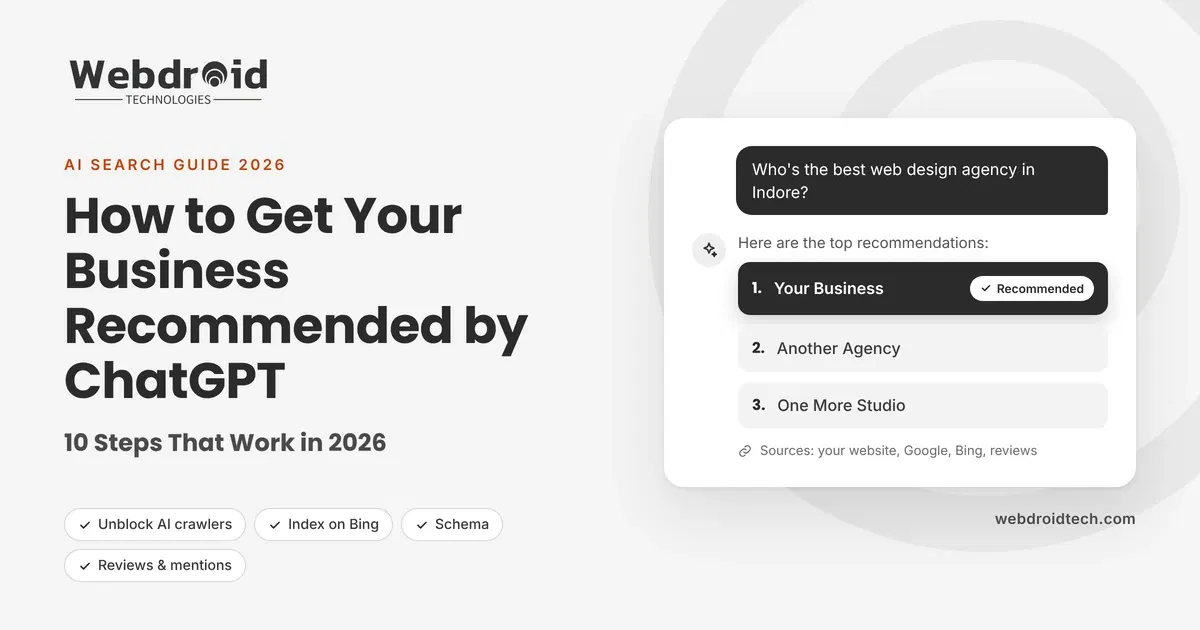
Ask ChatGPT “Who’s the best web design agency in Indore?” or “Which laundry service near me does free pickup?” and you won’t get ten blue links. You’ll get one short answer that names a few businesses. If yours isn’t one of them, that customer may never know you exist.
The good news: AI tools don’t pick businesses at random, and you can influence the signals they rely on. Here’s exactly how.
Quick answer: To get your business recommended by ChatGPT, make sure AI crawlers can access your website, get indexed on Bing as well as Google, and keep your business details identical everywhere online. Add structured data, publish pages that directly answer customers’ questions with real numbers, and earn mentions and reviews on trusted third-party sites. Then test what AI tools say about you every month and keep improving.
How does ChatGPT decide which businesses to recommend?
ChatGPT doesn’t keep a directory of businesses, and you can’t pay to be recommended in its answers. When it recommends a business, it draws on two things:
- What it learned during training: patterns from huge amounts of public web content. Businesses that are mentioned often and described consistently are more familiar to the model.
- Live web search: for questions about local services, recent information or comparisons, ChatGPT searches the web in real time and cites the pages it uses. OpenAI runs a crawler called OAI-SearchBot for this. According to OpenAI’s own documentation, sites that block it won’t be shown in ChatGPT search answers.
Industry research also points to a strong link with traditional search. One analysis by Seer Interactive found that most ChatGPT search citations matched pages ranking in Bing’s top 10 results.
In short, AI tools recommend businesses they can find, understand and trust. The 10 steps below cover all three.
10 steps to get recommended by ChatGPT
1. Let AI crawlers into your website
If AI tools can’t read your site, they can’t recommend it. Check your robots.txt file and make sure it allows OAI-SearchBot (ChatGPT search), Googlebot and Bingbot. OpenAI notes that after you change robots.txt, it can take about 24 hours for its systems to catch up.
Also check your hosting security. Aggressive “bot protection” screens can block crawlers without you knowing. In our own website audits, we regularly find business sites whose robots.txt and sitemap are hidden behind a security challenge.
2. Get indexed on Bing, not just Google
Many business owners only think about Google. But ChatGPT’s live search has been closely linked to Bing’s results, and Microsoft Copilot runs on Bing. Verify your site in Bing Webmaster Tools, submit your sitemap, and turn on IndexNow (many WordPress SEO plugins support it) so Bing hears about new pages instantly.
3. Make your business details identical everywhere
AI tools cross-check facts across the web. If your website says “WebDroid Tech”, your Google profile says “Webdroid Technologies Pvt”, and an old directory lists a different phone number, AI gets less confident about you. Use the same business name, address, phone number, website and description everywhere: your website, Google Business Profile, Bing Places, social profiles and directories.
4. Complete your business profiles
Fill in every field on Google Business Profile, Bing Places and Apple Business Connect: services, service areas, opening hours, photos, and a clear description of what you do and who you serve. These profiles are some of the most trusted sources for local recommendations.
5. Add structured data (schema) to your website
Structured data is code that tells machines exactly what your page means. Add Organization or LocalBusiness schema (name, address, phone, hours, service area), Service schema for each service, and FAQPage schema for your FAQs. Plugins like Yoast or Rank Math can handle most of this on WordPress.
6. Write pages that answer the questions customers ask AI
People talk to ChatGPT in full questions: “How much does a business website cost in India?” or “What’s the best way to get more leads from WhatsApp?” Build pages and blog posts around those questions. Use the question as a heading and answer it in the first one or two sentences, then add detail. Clear, direct answers are easy for AI to quote.
7. Back your claims with numbers, sources and expert quotes
Vague content gets ignored; specific content gets cited. In the peer-reviewed GEO study by Princeton researchers (Aggarwal et al., KDD 2024), adding statistics, citing sources and including quotations were among the most effective ways to increase how much AI answers used a page. Replace “we’re fast” with a real figure, such as your average delivery time or how many clients you’ve served, and link to the sources behind your numbers.
8. Get mentioned on other trusted websites
Your own website is only part of the picture. AI tools give more weight to what others say about you. Earn mentions in industry directories, local business lists, partner and client websites, guest articles, podcasts, and genuine discussions on forums like Reddit and Quora. One mention on a respected site can count for more than ten pages on your own.
9. Collect fresh, detailed reviews
Reviews are public proof that real customers trust you. Ask happy clients to leave reviews on Google and on the platforms that matter in your industry (Trustpilot, Clutch, Fiverr and so on). Encourage detail, such as “they built our Shopify store in 3 weeks”, because specific reviews tell AI exactly what you’re good at.
10. Keep your site fast and fresh, and test monthly
Update key pages regularly, show “last updated” dates, and keep your website fast on mobile. Then, every month, ask ChatGPT, Gemini and Perplexity the questions your customers would ask, and note who gets recommended. That tells you what’s working and where to focus next.
6 common mistakes that keep businesses out of AI answers
Before you start, make sure you aren’t making one of these mistakes. We see them again and again in website audits:
- Blocking AI crawlers by accident: a security plugin, firewall or old robots.txt rule quietly locks out OAI-SearchBot or Bingbot.
- Only optimising for Google: ignoring Bing Webmaster Tools and Bing Places, even though AI assistants lean heavily on search indexes beyond Google.
- Inconsistent business details: old addresses, different phone numbers or several versions of your business name spread across directories.
- Thin, generic service pages: a few lines of text with no process, locations, examples or FAQs give AI nothing useful to quote.
- Hiding key information in images or PDFs: AI reads text best, so put your services, service areas and opening hours on the page as real text.
- Never checking: most businesses have no idea what ChatGPT says about them until a customer mentions it, sometimes with the wrong details.
How to check if ChatGPT recommends your business
You don’t need special tools to start. Open ChatGPT, Gemini and Perplexity, and ask questions the way a customer would:
- “What are the best [your service] companies in [your city]?”
- “Who should I hire for [your service] in [your city]?”
- “Is [your business name] good for [your service]?”
- “What are alternatives to [competitor name]?”
Write down which businesses get mentioned, what the AI says about you (and whether it’s accurate), and which websites it cites. Repeat every month. If AI is getting your details wrong, that tells you which sources to fix first.
Frequently asked questions for Business Recommended by ChatGPT: 10 Steps that Works
1. Can I pay to get my business recommended by ChatGPT?
No. ChatGPT’s recommendations aren’t something you can buy. Be wary of anyone selling “guaranteed” placement. What you can do is improve the signals AI tools rely on.
2. How long does it take to show up in AI recommendations?
Technical fixes, like unblocking crawlers, can take effect within days. Building trust signals such as reviews, mentions and helpful content usually takes weeks to months.
3. Is ranking on ChatGPT different from SEO?
It builds on the same foundation: a fast, crawlable website with helpful content. But it also depends on how consistently your business is described across the web and how easy your content is for AI to quote.
4. Do I need to be on Google’s first page to be recommended by AI?
It helps a lot, because AI tools often draw on top search results. But clear content, structured data and third-party mentions also matter, so smaller businesses can compete.
5. Does this work for Gemini and Perplexity too?
Yes. The same steps (crawlability, consistent details, structured data, trusted mentions and question-focused content) help across all major AI assistants.
6. What is GEO, or LLM visibility?
GEO (generative engine optimisation), also called LLM visibility or AI search optimisation, is the practice of making your business easy for AI tools to find, understand and recommend. It works alongside traditional SEO rather than replacing it, and businesses that start early build an advantage that’s hard for competitors to catch up with.
Want AI to recommend your business?
At WebDroid Technologies, we help businesses get found, and recommended, in ChatGPT, Gemini, Perplexity and Google’s AI Overviews. We start by checking what AI tools say about you today, then fix the gaps step by step.